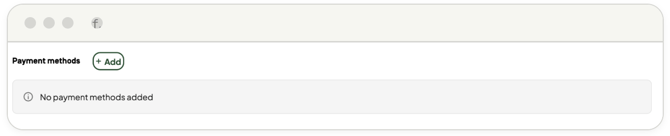
🔔 If your account utilizes credit card terms rather than direct invoicing, setting
up your payment method is a critical first step before placing an order.
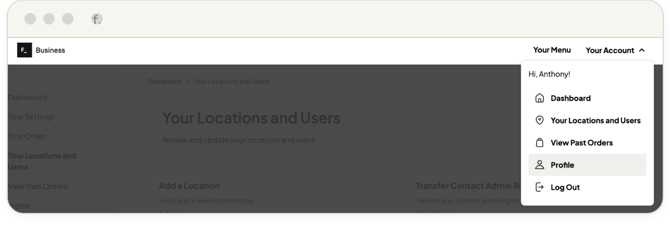
1. In the top right corner, navigate to Your Account > Profile.
2. Scroll down to the Payment methods section.
3. Click Add to securely enter and save your credit card details.