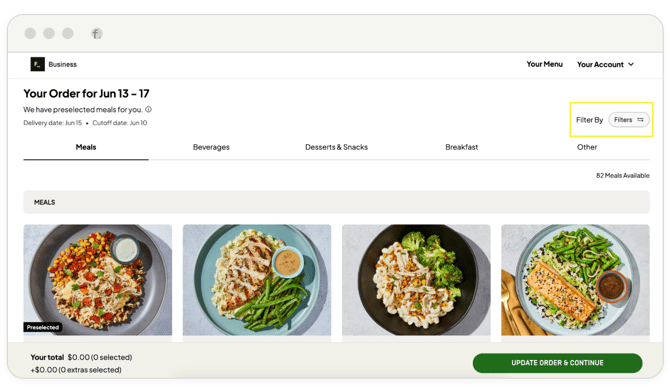
1. Navigate to the login page.
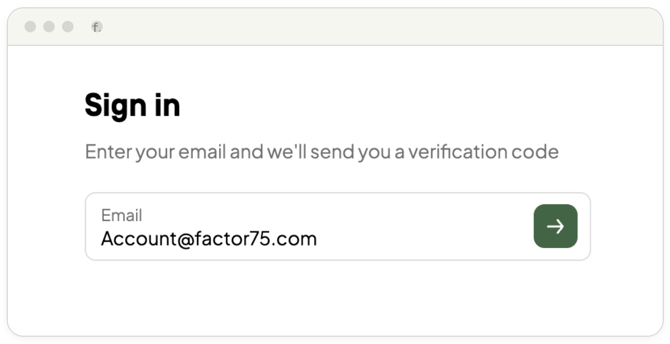
2. Enter your email address you provided to the Factor team during registration, then click the green arrow.
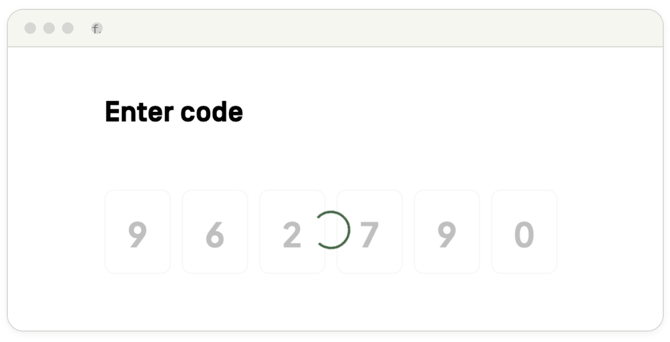
3. You will receive a unique 6-digit verification code via email from Factor Business. Enter this code on the verification page to proceed.
4. After entering the code, you will see the authorized delivery locations established during onboarding.
If your account is tied to a single location, you will be taken directly to your ordering homepage.