
Adding or updating delivery addresses
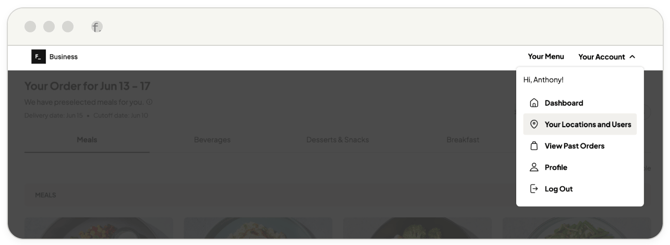
1. Navigate to Your Account in the top right corner and click Your Locations and Users.
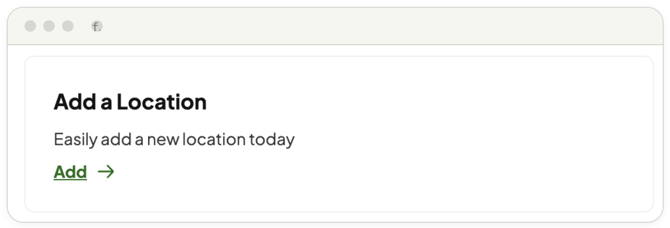
2. Under the Add a Location section, click Add.
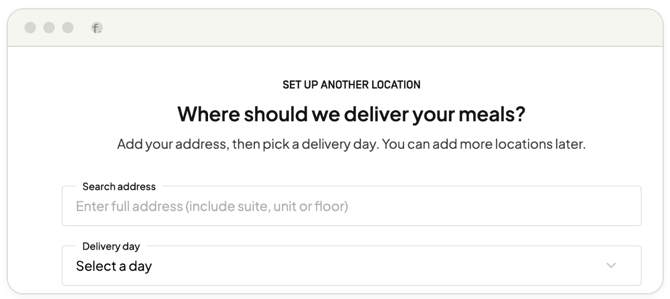
3. Enter the full address details (including suite, unit, or floor numbers) and input specific delivery instructions.
4. Select your preferred delivery day for this specific location and save.
Reviewing profile integrity
To audit your account health, go to Your Account > Profile. Here, you can:
-
Verify your primary account email
-
Review billing and shipping defaults
-
Update or edit payment methods
-
Review authorized staff users